15 Nov 2026 · By CA Pooja Gupta (CA Guruji)
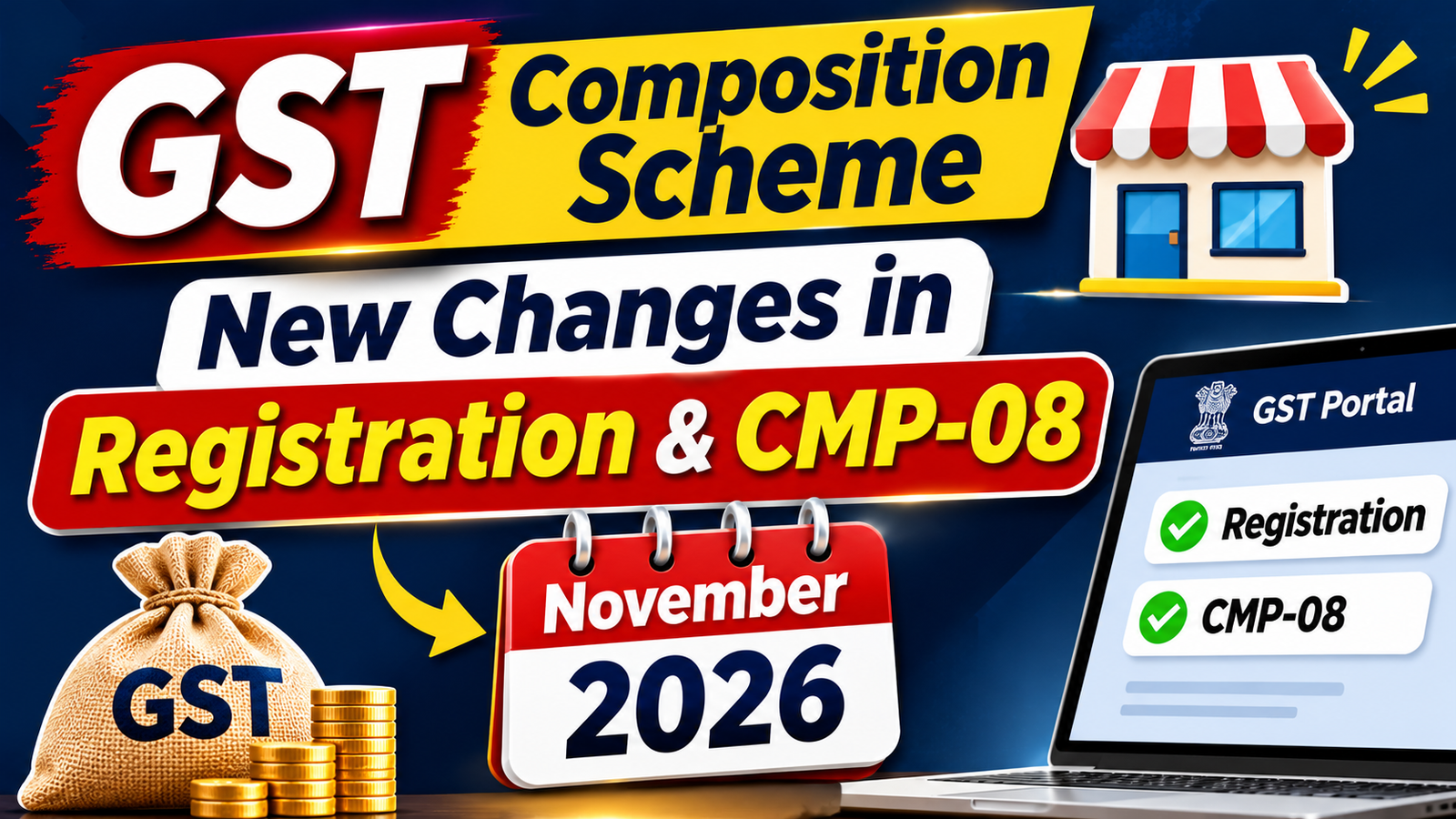
GSTN issued Advisory No. 685 dated 1 November 2026 on enhancements to the composition levy functionality, and the CMP-08 form now shows a new table that checks your turnover against the limit of your category. If you handle composition clients, these changes will affect your very next filing.
In this article we cover the complete composition scheme first, and then every new change with screenshots, so you understand both the law and the portal.
What Is the GST Composition Scheme?
The composition scheme under Section 10 of the CGST Act, 2017 is a simple scheme for small taxpayers. Instead of charging GST on every invoice and claiming ITC, the taxpayer pays tax at a small fixed percentage of turnover, files a quarterly statement (CMP-08) and one annual return (GSTR-4).
There are two schemes inside Section 10:
- Section 10(1) – for manufacturers, traders and restaurants (suppliers referred to in clause (b) of paragraph 6 of Schedule II, i.e. supply of food or drink as a service).
- Section 10(2A) – for service providers and mixed suppliers who are not eligible under Section 10(1).
Turnover Limit and Tax Rates
Eligibility is checked on the aggregate turnover of the preceding financial year at PAN level (all GSTINs under the same PAN taken together).
| Category | Section | Turnover limit (preceding FY) | Rate (CGST + SGST) | Tax base |
|---|---|---|---|---|
| Manufacturers (other than notified goods) | 10(1) | ₹1.5 crore (₹75 lakh in special category States) | 1% (0.5% + 0.5%) | Total turnover in the State |
| Traders | 10(1) | ₹1.5 crore (₹75 lakh in special category States) | 1% (0.5% + 0.5%) | Turnover of taxable supplies only |
| Restaurants not serving alcohol (Schedule II para 6(b)) | 10(1) | ₹1.5 crore (₹75 lakh in special category States) | 5% (2.5% + 2.5%) | Total turnover in the State |
| Service providers / mixed suppliers | 10(2A) | ₹50 lakh (same all over India) | 6% (3% + 3%) | Total turnover in the State |
Services allowed under Section 10(1): A manufacturer or trader under Section 10(1) can also supply services (other than restaurant service) up to 10% of the preceding year’s turnover in the State or ₹5 lakh, whichever is higher. If services go beyond this, the person cannot continue under Section 10(1) and must check whether Section 10(2A) applies.
Who Cannot Opt for Composition?
- A person making inter-State outward supplies of goods or services.
- A person supplying goods not leviable to GST (for example, alcoholic liquor for human consumption, petroleum products).
- A casual taxable person or non-resident taxable person.
- Manufacturers of notified goods – ice cream and other edible ice, pan masala, tobacco and tobacco substitutes, aerated water, fly ash bricks and similar notified items.
- A service provider (other than restaurant service) under Section 10(1) beyond the 10% / ₹5 lakh limit.
- Suppliers of services through an e-commerce operator who must collect TCS under Section 52 (intra-State supply of goods through e-commerce is allowed for composition taxpayers from 1 October 2023).
Key Restrictions on a Composition Taxpayer
- No ITC – input tax credit cannot be claimed.
- No tax collection from customers – issue a Bill of Supply, not a tax invoice, with the words “composition taxable person, not eligible to collect tax on supplies”.
- Display board – write “Composition Taxable Person” at the place of business and on the signboard.
- Reverse charge – tax under RCM is paid at the normal rate, in cash, along with CMP-08.
- Same scheme for all GSTINs – if one registration under a PAN opts for composition, every registration under that PAN must be in composition.
New Changes from November 2026: What Has Changed on the GST Portal
GSTN Advisory No. 685 dated 1 November 2026 changed the composition functionality in four forms: REG-01 (new registration), CMP-02 (opting in), CMP-04 (opting out) and REG-14 (amendment). Along with this, the CMP-08liability table has been redesigned with separate rows and an automatic turnover check.
Important: these are portal (functionality) changes. The law on eligibility, rates and turnover limits remains in Section 10 of the CGST Act and Rule 7. Section 10(2A) itself is not new; what is new is a separate category for it on the portal.
Change 1: New Category Selection in Registration (REG-01) and CMP-02
Earlier, the portal did not have a separate option for service providers opting under Section 10(2A), which caused confusion at the time of registration. Now, while applying for registration as a composition taxpayer (REG-01) or opting in (CMP-02), you must select your category from two options:
| Option | Categories | Selection rule |
|---|---|---|
| Option A – Section 10(1) | (i) Manufacturers, other than manufacturers of such goods as may be notified by the Government for which the option is not available; (ii) Suppliers making supplies referred to in clause (b) of paragraph 6 of Schedule II (restaurants); (iii) Any other supplier eligible for composition levy falling in Section 10(1) (traders) | More than one category can be ticked (for example, a manufacturer who also runs a restaurant) |
| Option B – Section 10(2A) | Person eligible for composition levy under Section 10(2A) | Single selection |
Option A and Option B cannot be selected together. A person is either a Section 10(1) composition taxpayer or a Section 10(2A) composition taxpayer, never both.
Screenshot – new category selection on the portal: Option A selected with “Manufacturers” ticked; Option B (Section 10(2A)) shown separately below.

Change 2: Category Can Now Be Changed Through REG-14
A new facility lets an existing composition taxpayer change or update the category by filing an amendment application in FORM GST REG-14.
Who should use it:
- Existing composition taxpayers whose category on the portal is wrong or missing (for example, a service provider registered under Section 10(2A) but shown as a 10(1) supplier).
- A taxpayer whose business has changed – for example, a trader who has started a restaurant.
Keep in mind:
- Changing the category on the portal does not make you eligible. Check eligibility under the law first.
- As per the GST portal FAQ, when the category is changed through a non-core amendment, the threshold of the new category applies from the date of amendment, and the old threshold is no longer used for validation.
- PAN-level rule: the category must be updated correctly in every GSTIN linked to the same PAN. One amendment does not update the other registrations automatically.
Change 3: New CMP-08 Table with Separate Rows for Goods, 9(5) Supplies and Services
The CMP-08 liability table now splits outward supplies into three rows:
| Row | Description | What to report | Tax payable by you? |
|---|---|---|---|
| 1 | Outward supplies for supply of Goods (including exempt supplies) | Sale of goods, including exempt goods | Yes – at your composition rate |
| 1a (new) | Outward 9(5) supplies where ECO is liable to pay tax | Services supplied through an e-commerce operator where the ECO pays tax under Section 9(5) (restaurant, accommodation, housekeeping, passenger transport, delivery services) | No – tax fields are locked; the ECO pays the tax |
| 1b (new) | Outward supplies for supply of Services excluding 9(5) supplies but including exempt supplies | All other services, including exempt services | Yes – at your composition rate |
| 2 | Inward supplies attracting reverse charge including import of services | RCM purchases | Yes – at normal rates |
| 3 | Tax payable (1 + 1a + 1b + 2) | Auto-calculated | – |
| 4 | Interest payable, if any | Interest for late payment | Yes |
Why this split matters: Section 9(5) supplies are not taxed in your hands, but they are still part of your turnover for checking the composition limit. Earlier these values were often left out of CMP-08. Now they are reported separately, so the portal can see your full turnover.
Also note that the Integrated tax column is locked for outward supplies (rows 1, 1a and 1b), because a composition taxpayer cannot make inter-State outward supplies.
Change 4: Automatic Turnover Threshold Check in CMP-08
The portal now checks your turnover while you file CMP-08. According to the GST portal FAQ on CMP-08, the threshold depends on the selected composition category and the nature of supplies, and the system validates the PAN-based Aggregate Annual Turnover against it. If the limit is crossed, CMP-08 cannot be filed and the portal shows this error:
- The turnover reported exceeds the threshold limit for availing composition scheme. Please check and correct the values before next attempt to file. 2. If the turnover is correct, then please opt out of Composition Scheme from the date when the turnover exceeded the threshold and file CMP-08 return upto the date of exceeding the threshold. 3. After the date of opting out of composition scheme, return shall be filed as a normal taxpayer for the remaining period.
The portal also checks the service limit for Section 10(1) taxpayers. If services exceed the allowed limit, the system shows: “service supply should be within 10% of preceding FY turnover or Rs. 5 lakhs whichever is higher”.
Let’s understand with the example in the screenshot:
| Row | Value (₹) |
|---|---|
| 1 – Goods | 20,000 |
| 1a – 9(5) supplies (ECO pays tax) | 40,00,000 |
| 1b – Services | 80,00,001 |
| 3 – Total | 1,20,20,001 |
The taxpayer is registered under Option A as a manufacturer (Section 10(1)). Total turnover of ₹1.20 crore is below ₹1.5 crore, but the services alone (₹80 lakh in row 1b, plus ₹40 lakh of 9(5) services in row 1a) are far above the service allowance of a Section 10(1) taxpayer (10% of preceding year turnover or ₹5 lakh). It is also above the ₹50 lakh limit of Section 10(2A). So the portal blocks the filing.
What to do when you get this error:
- Check the figures first. A typing mistake (an extra zero, services entered in the wrong row) is the most common reason. Correct and file again.
- If the figures are correct, the composition option has lapsed from the date the limit was crossed (Section 10(3)). File CMP-04 to opt out from that date.
- File CMP-08 only up to the date of crossing the threshold.
- From the date of opting out, file GSTR-1 and GSTR-3B as a normal taxpayer, issue tax invoices and charge GST.
- File ITC-01 within 30 days to claim ITC on stock held on the date of opting out.
How to Opt In: Step by Step
A. New registration (REG-01)
- In REG-01, select “Yes” for opting for composition.
- Select Option A (one or more Section 10(1) categories) or Option B (Section 10(2A)) – not both.
- Composition applies from the effective date of registration.
B. Existing regular taxpayer (CMP-02)
- Log in > Services > Registration > Application to Opt for Composition Levy (CMP-02).
- File before the start of the financial year (by 31 March) – composition applies from 1 April.
- Select the correct category (Option A or Option B).
- File ITC-03 within 60 days to reverse ITC on stock, semi-finished and finished goods held on the day before opting in.
- Make sure every GSTIN under the same PAN opts for composition with the same category.
How to File CMP-08: Step by Step
- Go to Services > Returns > Returns Dashboard, select the financial year and quarter, and open CMP-08.
- Enter goods turnover (including exempt goods) in row 1.
- Enter services supplied through an e-commerce operator under Section 9(5) in row 1a – no tax is payable on these by you.
- Enter all other services (including exempt services) in row 1b.
- Enter RCM inward supplies in row 2 and tax at the applicable rates.
- Check the auto-calculated tax in row 3 and enter interest, if any, in row 4.
- If the threshold error appears, check the figures; if correct, follow the opt-out steps below.
- Pay the tax in cash (ITC cannot be used) and file with DSC or EVC.
Due date: 18th of the month after the quarter. For October–December 2026, CMP-08 is due on 18 January 2027. File CMP-08 even if there is no liability (nil filing is allowed). A filed CMP-08 cannot be revised, so check the figures before filing.
How to Opt Out: CMP-04
| Situation | What to do | Time limit |
|---|---|---|
| Turnover crosses the limit during the year | File CMP-04 (intimation of withdrawal) | Within 7 days of crossing the limit |
| Voluntary exit | File CMP-04 (application for withdrawal) | Before the date from which you want to exit |
| Claim ITC on stock on the date of exit | File ITC-01 | Within 30 days of becoming ineligible |
| Last composition period | File CMP-08 up to the date of exit, and GSTR-4for that year | As per due dates |
| Period after exit | File GSTR-1 and GSTR-3B as a normal taxpayer | Regular due dates |
The composition option lapses from the day the turnover crosses the limit under Section 10(3), not from the next quarter or year. Supplies after that date must be on tax invoices with GST.
Annual Return: GSTR-4
A composition taxpayer files one annual return, GSTR-4, by 30 April following the end of the financial year. It shows the outward supplies, inward supplies (including RCM) and tax paid through CMP-08 for the full year. There is no separate GSTR-9 for composition taxpayers.
Practical Examples
Example 1 – Trader with small service income Mr. Sharma, a trader, had turnover of ₹60 lakh last year. He can supply services up to the higher of 10% of ₹60 lakh (₹6 lakh) or ₹5 lakh, i.e. ₹6 lakh. He stays in Option A. Goods go in row 1 and services in row 1b of CMP-08.
Example 2 – Restaurant selling through Swiggy/Zomato A restaurant under Option A (Schedule II para 6(b)) sells ₹30 lakh at the counter and ₹20 lakh through food delivery apps. The app (ECO) pays GST on the ₹20 lakh under Section 9(5). In CMP-08: ₹30 lakh in row 1b (tax at 5%) and ₹20 lakh in row 1a (no tax by the restaurant). Total turnover counted for the limit is ₹50 lakh.
Example 3 – Consultant under Section 10(2A) A consultant with turnover of ₹40 lakh selects Option B and pays 6%. If his turnover reaches ₹50 lakh during the year, CMP-08 will show the threshold error. He must opt out through CMP-04 from that date and file as a normal taxpayer.
Example 4 – Wrong category on the portal A tuition centre registered in 2024 is shown under “Any other supplier – Section 10(1)” on the portal. Since it supplies services, its correct category is Option B – Section 10(2A). It should file REG-14 to change the category, and do the same in every GSTIN under its PAN.
FAQs
Q1. Is Section 10(2A) a new scheme from November 2026? No. Section 10(2A) has been in the law since 2019. Only a separate category has been added on the portal.
Q2. Can I select manufacturer and restaurant both? Yes. Under Option A, more than one Section 10(1) category can be selected.
Q3. Can I select Option A and Option B together? No. The two options are mutually exclusive.
Q4. Do I have to file REG-14 if my category is already correct? No. REG-14 is needed only if the category on the portal is wrong or your business has changed.
Q5. Do Section 9(5) supplies count in my turnover? Yes. They are part of aggregate turnover for the composition limit, even though the ECO pays the tax. That is why they now have a separate row (1a) in CMP-08.
Q6. My CMP-08 shows the threshold error, but my figures are correct. What now? Opt out through CMP-04 from the date you crossed the limit, file CMP-08 up to that date, and file regular returns from that date onward.
Q7. Is there a late fee for CMP-08? The portal does not charge a late fee for CMP-08, but interest applies on late payment of tax.
CA Guruji Checklist for Composition Clients
- Check every composition client’s category on the portal (Option A or Option B).
- File REG-14 where the category is wrong, for all GSTINs under the same PAN.
- Split sales data into goods, 9(5) supplies and other services before preparing CMP-08.
- Track turnover every month against the limit of the category.
- For Section 10(1) clients, track services against the 10% / ₹5 lakh allowance.
- If the limit is crossed, file CMP-04 within 7 days and ITC-01 within 30 days.
- File CMP-08 for October–December 2026 by 18 January 2027.
📌 Want to learn GST practically? Join our GST courses at cagurujiclasses.com and subscribe to CA Guruji on YouTube for a detailed video on the new composition changes.
Disclaimer: This article is for educational purposes only. Please refer to the GST Act, Rules, notifications and GSTN advisories before taking any action.
Visit www.cagurujiclasses.com for practical courses